RoboTour Screenshots
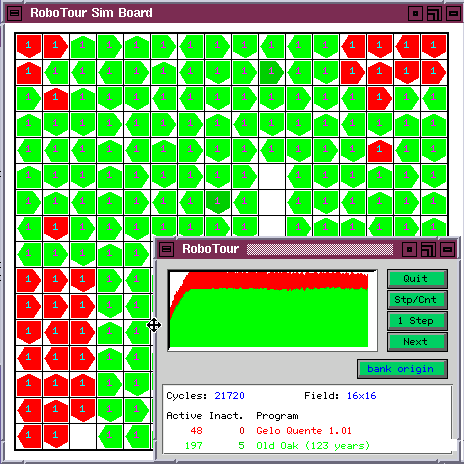
Builtin RoboTour Visualization
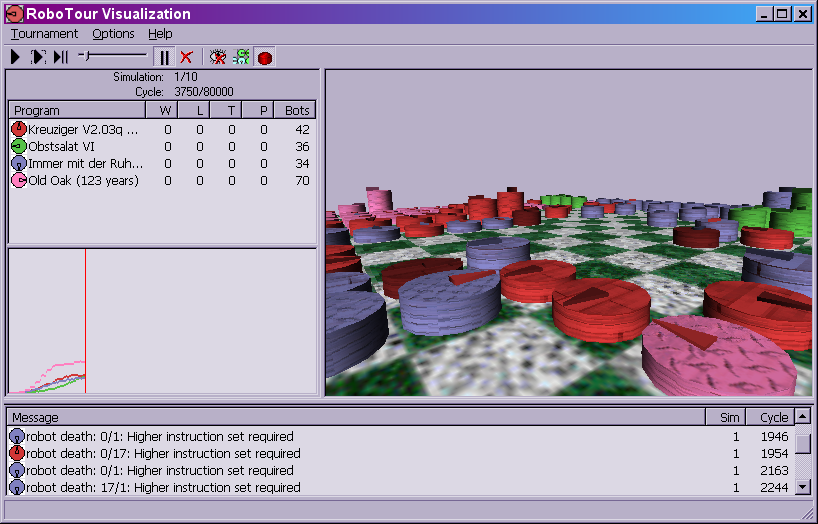
Starting with RoboTour 3.1, tournaments can be run graphically. Even a
robot debugger is included. The following screenshots demonstrate the
built-in visualization:
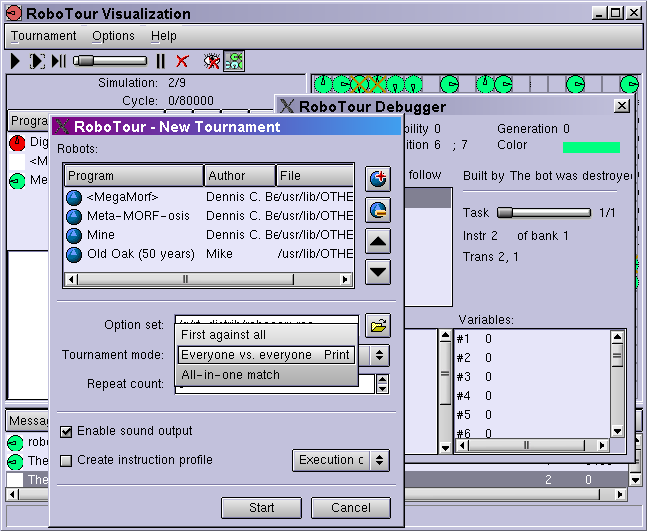
Another screenshot was taken on Linux (admittedly, while using a
Windows-like theme):
Here you can see the tournament setup dialog, and the debugger as well.
There also were some earlier attempts to create graphical user
interfaces for RoboTour. Although they are now mainly of historical
interest, some screenshots show what they look like:
RoboView
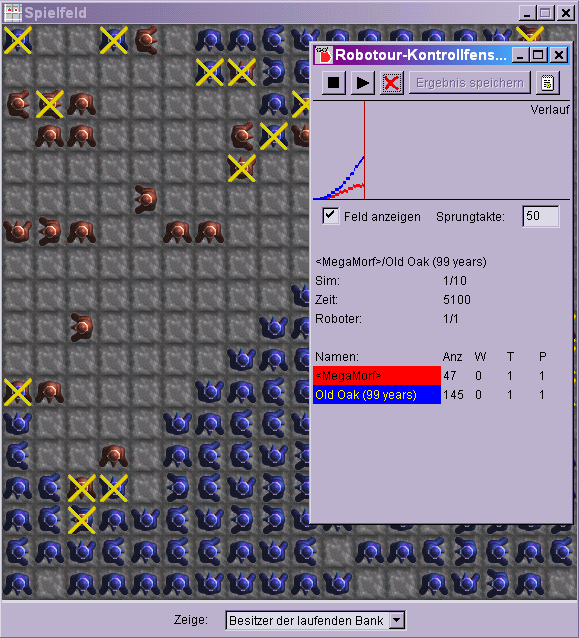
RoboView (now deprecated) is a platform-independent GUI for RoboTour
written in Java. It supports tournament setup and display. Here, you
can see it in action:
RoboTour Studio
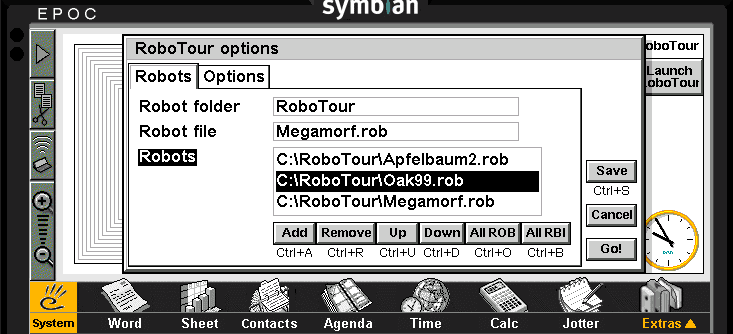
This program brings some of RoboView's ease-of-use
to EPOC handheld computer systems (on which RoboView doesn't run).
However, only tournament setup is implemented; field display is missing.
Only the pale area in the above screenshot is the actual screen,
the dark parts belong to the device emulator.
XRoboTour
An X-Windows (Unix) program which implements field display (but not
tournament setup). This program deserves an award for the fastest
RoboCom display ever. Unfortunately, it has not been updated to
RoboTour 3.